
Glassmorphism Optimizer
Generate the perfect frosted glass effect for your UI.
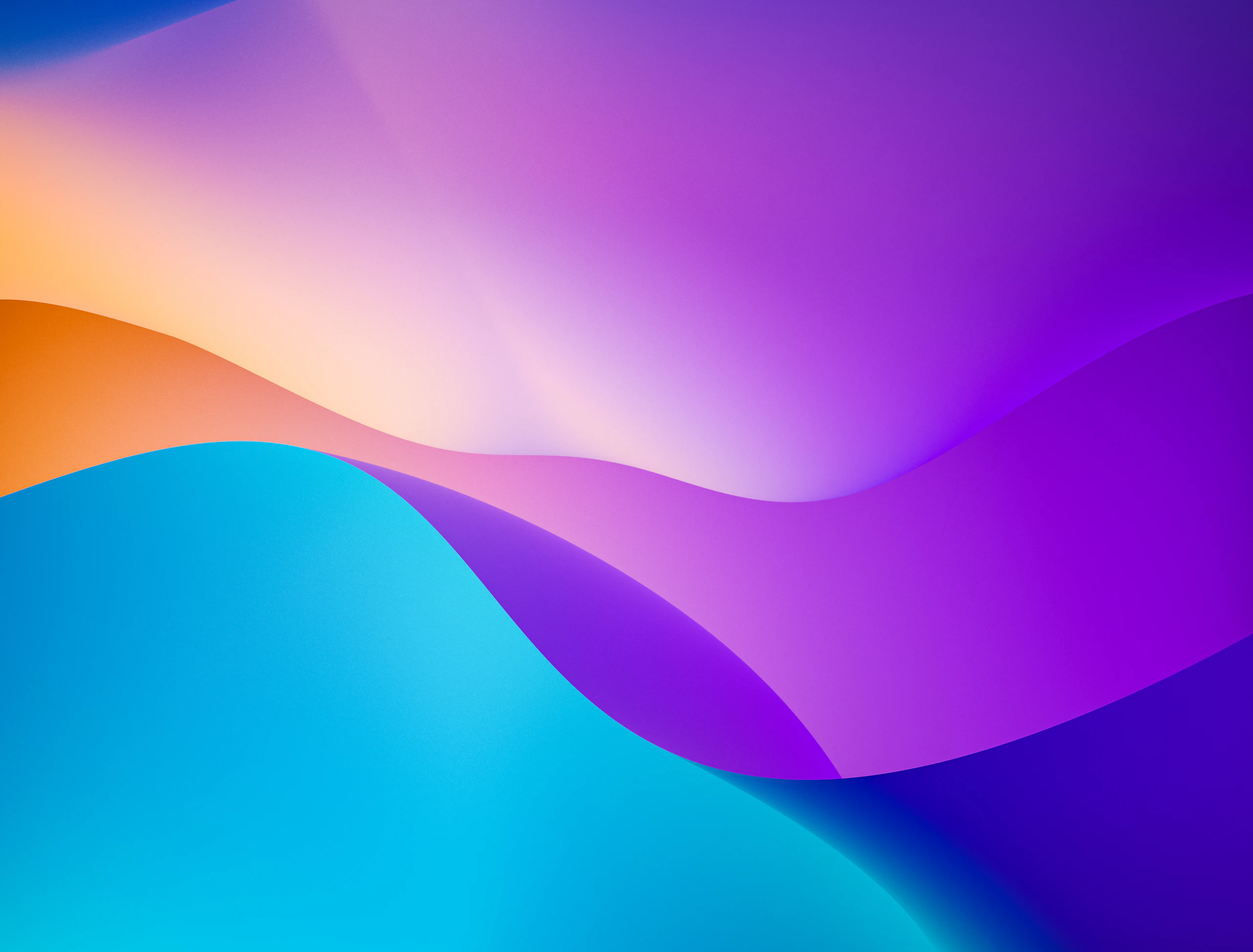
Glassmorphism
The frosted glass effect adds depth and visual hierarchy to your interface while maintaining context.
Glassmorphism CSS Generator
Generate the perfect frosted glass effect. Control blur, transparency, and outline to create modern, sleek UI cards.
The Frosted Look
Glassmorphism relies on background-blur to create depth. It mimics the look of frosted glass floating above the content, establishing visual hierarchy without blocking the background entirely.
The Secret Sauce
backdrop-filter: blur(16px);
background: rgba(255, 255, 255, 0.4);
border: 1px solid rgba(255, 255, 255, 0.2);
The Ultimate Guide to Glassmorphism CSS Generator
Create premium frosted glass UI elements with customizable blur, transparency, noise, and specular highlights.
Why Glassmorphism CSS Generator Matters
In modern interface design, glassmorphism css generator serves as a powerful functional tool that guides user attention, establishes hierarchy, and creates a unique brand identity.
By leveraging this system, you can ensure consistency, accessibility, and high visual impact across all your digital products or creative workflows.
✓Key Benefits
- Master the modern Glassmorphism visual trend
- Instantly generate complex backdrop-filter CSS
- Preview glass layers over vibrant backgrounds
- Access custom lighting and noise textures
Understanding the Workflow
Adjust Backdrop
Set the backdrop blur intensity.
Refine Transparency
Tweak the white/black alpha channel for the glass material.
Add Details
Include a 1px bright border and minimal drop shadow for depth.
Frequently Asked Questions
© 2026 Dopely Colors. Continuous Integration.